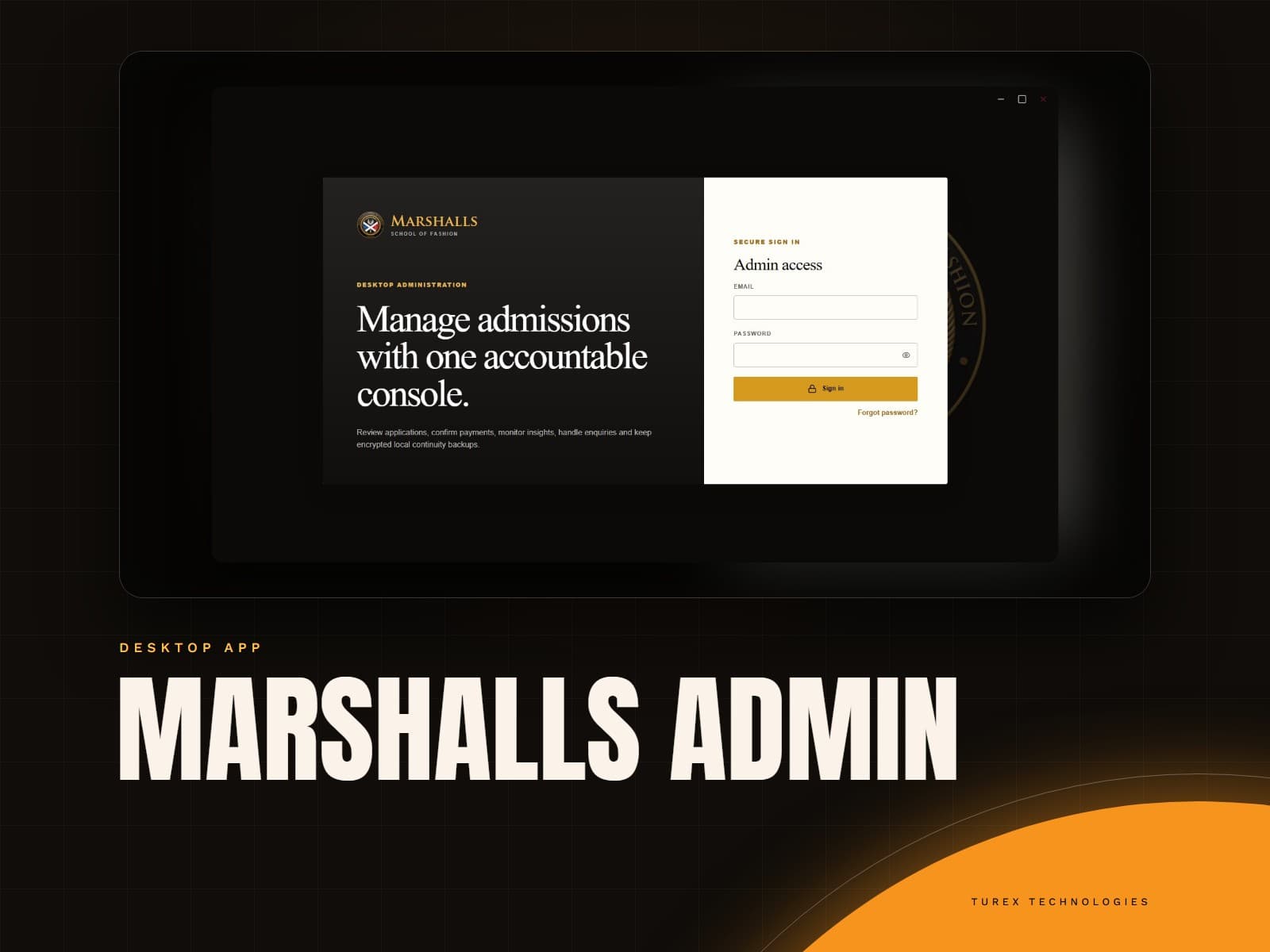
The public website and admissions system of Marshalls School of Fashion in Accra: programmes, an online application form bought through Paystack, and an applicant portal, all edited from a desktop admin app.
Applicants pay for a form, get a code and apply online, while the school edits its own website.
6application sections that save as a draft
2ways a payment is confirmed: callback and webhook
Where they started
The school needed to take applications online and was handling them by hand:
Payment and application were separate. There was no safe way to link a paid form to the person who would fill it in.
Applicants send private documents, such as certificates and identity papers, and these must never be reachable by a link.
The site's wording changes with every intake, and waiting on a developer for each edit was slow.
Staff had no single view of purchases, applications and enquiries as they arrived.
What we did
We built the website and its admissions backend as one system, with the school in control of its own content:
Purchase, then apply. The fee and whether an intake is open come from the database, never from the browser. Payment is taken with Paystack (card and mobile money) and confirmed twice over, by the browser callback and a signed webhook, so a closed tab never loses a purchase.
A purchase code is emailed once payment is confirmed. It unlocks the applicant portal and is never shown to anyone who only knows the payment reference.
An application that saves itself. Six sections (personal details, guardian, programme, education, documents, declaration) autosave as a draft. Submitting locks it, emails a receipt and offers a PDF printout.
Private documents. Uploads go straight to Cloudinary as private files and are read only through the system.
Editable content. Pages are built from settings saved in the admin app, with built-in defaults behind them, so a missing setting never breaks a page.
Built for search and phones, with full-screen mobile navigation, structured data for search engines, and a WhatsApp route to admissions.
The home page opens on a rotating hero with the school's promise and the two things most visitors came for: buying the application form and exploring programmes.
Below it, the page walks through the programmes, the way the school teaches, and the four admissions steps. Every headline, photo and contact detail is edited in Marshalls Admin, with the built-in text behind it as a fallback.
1Hero messageOne of three slides, each edited from the admin app.
2Purchase formStarts the application: pay once and receive a code.
3PortalApplicants sign in, or use their purchase code.
4Start your applicationThe main call to action on every slide.
5Hero carouselSlide controls; the carousel moves on its own.
6Admissions bannerSays when applications are open, or plainly that they are closed.
Once an applicant has bought a form and redeemed their code, they work through one application in six short steps. Each step has its own page, so no one faces a long form.
Answers save as a draft as they type, so the applicant can leave and return from any device, and every field is checked both in the browser and again on the server before it is stored.
The screen shows sample details, not a real applicant’s.
1Six stepsPersonal details, parent or sponsor, programme choice, education, documents, then review and submit.
2Up to three programmesThe applicant ranks a first, second and third choice from the live programme list.
3
The final PDF printout
When the applicant submits, the application is locked and a receipt is emailed. From then on they can download a PDF printout of everything they submitted, ready to print, sign and bring in with their supporting documents.
The printout is made by the website itself. It carries the school's letterhead and contact details, the Applicant ID and purchase code to write on the back of every supporting document, each section of the application, the names of the uploaded documents, and the declaration on a second page.
The applicant’s personal details are blurred here.
1School letterheadName, motto and admissions contact details.
2What to do nextReminds the applicant to submit copies of their documents and keep this printout.
Talking to admissions
The contact page gives visitors a direct line and a short enquiry form. A WhatsApp number is required, because that is where admissions replies, and email is optional.
Opening it from a programme page pre-fills the topic and message, so the school knows what the visitor is asking about. The phone numbers, email and address shown are the ones set in Site Settings, so they are changed in one place.
1Admissions, in one clickEnquiries are routed to the right team.
2Enquiry formWhatsApp number required, email optional, programme pre-filled when it comes from a programme page.
3Direct detailsEmail, admissions phone, campus office and address, all from Site Settings.
What changed
The school now takes applications end to end online:
Applicants pay, receive a code, apply and track their status without a visit to the campus.
Applicant documents stay private.
Staff change the site's content themselves and see purchases, applications and enquiries in one app.
The site tells visitors plainly when applications are closed, instead of selling a form for an intake that is not open.